Practical guide · Trifaar studio
A No-Chaos Guide to Migrating Church Management Systems
A nine-phase migration playbook for cleaning records, reconciling giving, testing Sunday workflows, controlling access, and moving without losing trust.
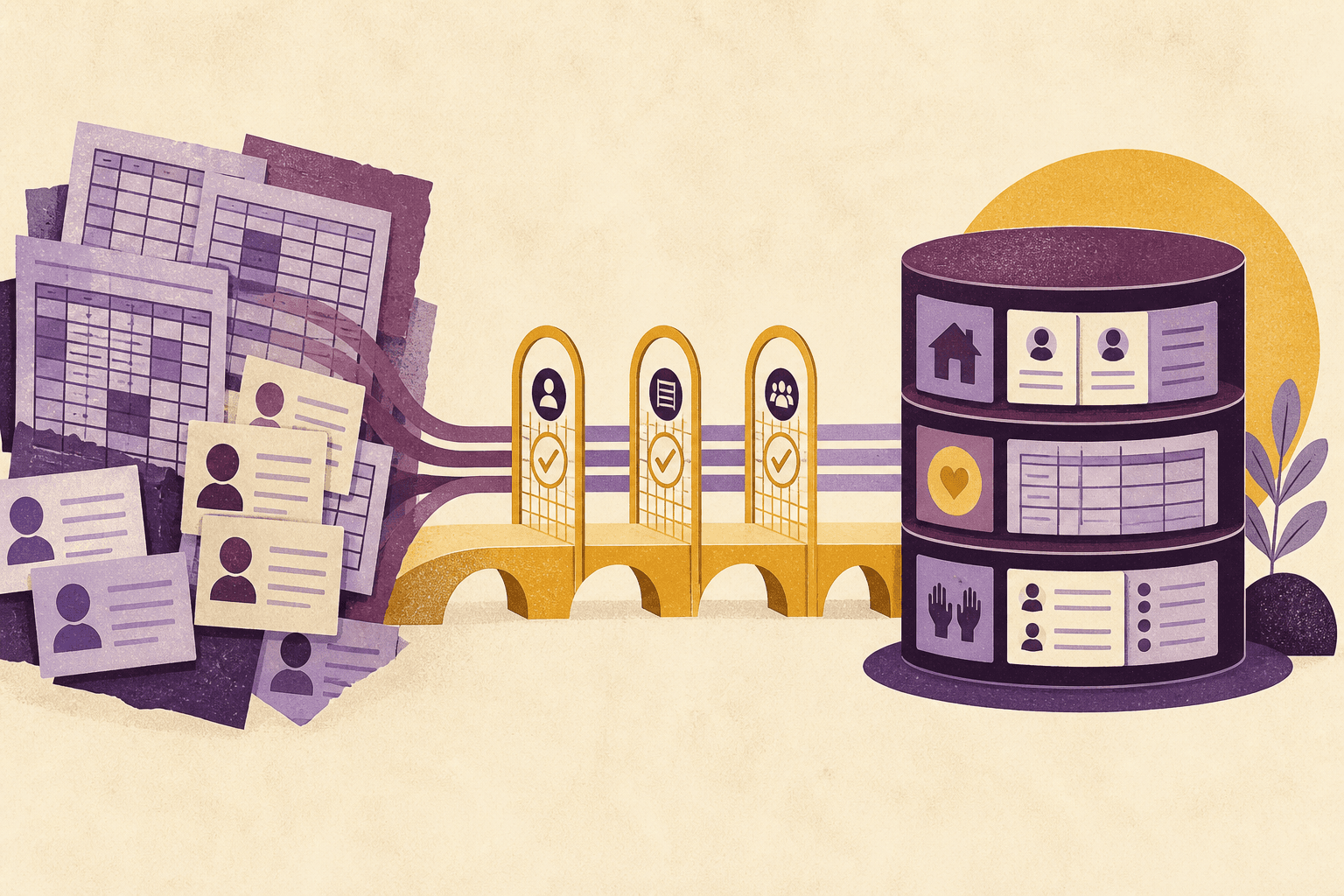
A church management system migration rarely fails because a CSV cannot be imported. It fails because the team treats the CSV as the project.
The real work is deciding what a record means, which history still matters, who may see it, and how the church will know the new system is trustworthy. That requires restraint. Moving every field, note, duplicate, and abandoned workflow into a new platform simply gives old disorder a new login screen.
Here is a migration approach designed to keep ministry running while the data moves.
Phase 1: put ownership in writing
Name one migration lead with authority to resolve cross-team decisions. Then name owners for people and households, giving, check-in, groups, volunteers, communications, integrations, and security.
Create a decision log. It should capture field definitions, cleanup rules, data that will be archived, accepted exceptions, and who approved each choice. This prevents the same debate from reopening every week and gives future administrators context.
Define success in operational terms:
- staff can find the right person without opening multiple records;
- giving totals reconcile to the authoritative financial records;
- Sunday check-in works at expected peak volume;
- active volunteers receive the right schedules;
- only approved roles can see sensitive data;
- the old system can become read-only on a planned date.
Phase 2: inventory the whole data estate
The old ChMS is rarely the only source. List spreadsheets, form tools, email platforms, payment processors, accounting systems, background-check vendors, shared drives, and personal files used by ministries.
For each source, record:
- owner;
- data categories;
- approximate volume;
- authoritative fields;
- export method and format;
- retention requirement;
- sensitivity;
- integrations and downstream reports.
The FTC’s data-security guidance recommends knowing what information an organization has and where it is stored, limiting access, and keeping sensitive data only as long as there is a legitimate need. A migration is the best time to perform that inventory because every hidden spreadsheet will otherwise become a shadow system after launch.
Phase 3: define the target model before cleaning
Decide how the new platform will represent a person, household, child, campus, membership status, donor, volunteer qualification, fund, and inactive record. Document the vocabulary the church will use.
Then create a field map with four possible destinations for every old field:
- migrate into a standard field;
- migrate into an approved custom field;
- archive outside the live system;
- delete under the church’s retention policy.
Do not create a custom field merely because the old database had one. Ask who uses it, for what decision, and how it will stay current.
Phase 4: clean in a controlled working copy
Export immutable source snapshots and store them securely. Perform transformations on copies, not on the only available export.
Typical cleanup includes:
- normalizing email, phone, date, and address formats;
- separating combined names;
- mapping old statuses to the new vocabulary;
- resolving obvious household relationships;
- identifying duplicates with documented match rules;
- removing test records and obsolete tags;
- validating fund codes against finance records.
Be conservative with automatic merges. Two people can share a name, address, email, or phone. Produce a review queue for ambiguous matches and record merge decisions.
Planning Center’s CSV transition guide likewise advises cleaning the file and verifying fields before importing. It also warns that some categories of historical data may require another method rather than a standard people import. Every vendor has different boundaries, so confirm them early.
Phase 5: migrate a representative slice
Run a small test import containing real complexity: households with children, single-person households, duplicate-prone names, active and inactive volunteers, several gift types, and records with missing fields.
Do not judge the test by row count alone. Validate behavior:
- Can users find people by the information they actually know?
- Are households and communication preferences correct?
- Do permissions hide sensitive fields?
- Can finance trace a gift from source to fund report?
- Do automated workflows trigger only when intended?
- Can the test data be rolled back or deleted cleanly?
Maintain an exception report for rejected rows, truncated values, unmapped options, duplicate keys, and relationship failures. “Imported successfully” is not the same as “migrated correctly.”
Phase 6: reconcile money independently
Giving history deserves its own plan and approval. Establish which system is authoritative for transaction, settlement, and accounting totals. Migrate identifiers that allow staff to trace records without copying unnecessary payment data.
Reconcile by useful control totals:
- total amount by year and fund;
- count and amount by payment type;
- refunds and reversals;
- recurring schedules, where supported;
- donor statement totals for a sample of households;
- unmatched and anonymous gifts.
Do not import raw card details. Confirm the payment architecture and compliance scope with the payment provider or qualified adviser. For U.S. churches, have finance or tax professionals review acknowledgment data and statement output against current IRS guidance.
Require two-person review for final giving reconciliation. A migration lead should not approve their own transformation without an independent check.
Phase 7: rehearse Sunday and month-end
Run two simulations.
The Sunday rehearsal should cover guest entry, child check-in, label printers, volunteer access, a missing internet connection, duplicate records, and emergency contact lookup.
The finance rehearsal should cover batch entry, settlement matching, corrections, refunds, fund reporting, receipt delivery, and a sample donor statement.
Add a staff departure test: disable an account, transfer responsibilities, and confirm that sessions or tokens are revoked where the platform supports it.
Phase 8: plan the cutover minute by minute
Set a freeze window for changes in the old system. Communicate which actions must wait, where temporary records will be captured, and who may authorize an exception.
A practical cutover runbook includes:
- final backup and exports;
- source record counts and financial control totals;
- transformation and import;
- exception review;
- permissions and integrations enabled in a deliberate order;
- smoke tests for the critical workflows;
- owner sign-off;
- rollback criteria and a go/no-go deadline.
Keep the old system read-only if the agreement and retention policy allow it. Do not cancel access until exports, reconciliation, and required historical retrieval have been proven.
Phase 9: support adoption after launch
Train by role and task, not with one broad product tour. A check-in volunteer needs a short rehearsal and a one-page recovery guide. Finance users need controlled practice with corrections and reconciliation. Ministry leaders need clear rules for notes, tags, and follow-up ownership.
Hold office hours during the first weeks. Review duplicate creation, incomplete workflows, permission exceptions, failed integrations, and reports still produced in spreadsheets. Those are leading indicators of where the configuration or training is failing.
At 30, 60, and 90 days, compare the migration against the operational success criteria. Remove temporary administrator access. Archive or securely dispose of working files according to policy. Update the system map and incident contacts.
The migration is done when trust has moved
Data transfer is a technical event. Migration is an organizational transition.
The project is complete when staff can perform the real work, finance can reconcile the numbers, leaders understand the reports, sensitive access is controlled, and the church can retrieve or exit with its records intact.
Move less, verify more, and give every important dataset an owner. That is how a church changes systems without losing its memory—or its weekend.