Practical guide · Trifaar studio
Event Software Must Work When the Venue Wi-Fi Doesn’t
Design offline ticket validation with honest duplicate-scan limits, local event storage, reconciliation, clear staff states, and a rehearsed outage plan.
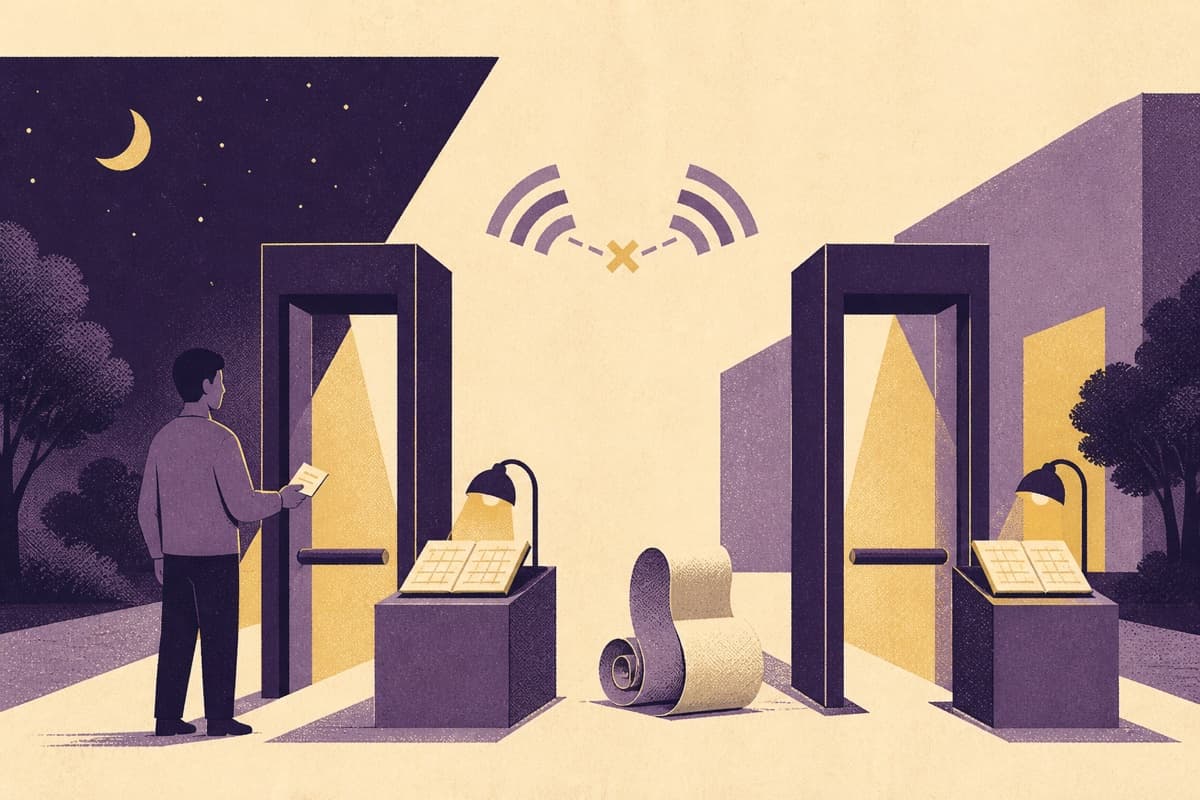
The queue is growing. A guest holds up a ticket. The scanner spins because the venue's connection has disappeared.
“Try again” is not an event-management strategy. At a live event, connectivity is an operating condition the product must be designed around.
Offline check-in is possible, but it introduces tradeoffs that a sales demo can easily hide. The most important is this: two disconnected devices cannot reliably know what the other one has just admitted.
Decide what must work without the internet
Separate essential gate operations from tasks that can wait. Staff may need to validate a previously issued ticket, record admission, see the event and ticket category, and handle an exception. They do not necessarily need the entire customer account history on the device.
Prepare a minimal local dataset before doors open. Show when it last synchronized, which event it covers, and whether the device is ready for offline use. A screen that happens to remain visible after disconnection is not the same as an offline-capable application.
Android's offline-first architecture guidance describes local data access, queued writes, synchronization, and conflict handling. Those are useful building blocks, but admission rules remain a product decision.
Be honest about duplicate tickets
If one ticket is scanned at two gates while both devices are disconnected, each may see an unused ticket in its local copy. Synchronizing afterward reveals the conflict; it cannot undo the second person's entry.
pretix's scanner documentation makes the synchronization dependency explicit: other devices learn about a scan after the relevant synchronization has happened. That is a real limitation, not a bug unique to one vendor.
Choose a policy appropriate to the event:
- maintain connectivity to a shared authority where duplicate prevention is essential;
- use a venue-local service that scanners can reach even if the public internet fails;
- assign ticket groups to designated gates or devices, accepting the operational restrictions;
- permit offline admission with a documented residual risk and later reconciliation;
- route uncertain or high-value admissions to a supervisor.
Do not claim both unrestricted offline admission across independent gates and perfect global duplicate prevention.
A valid code is not always a valid admission
A signed ticket can help a device establish that the ticket was issued by the expected system. It does not prove the ticket has not since been refunded, revoked, transferred, or used elsewhere.
Similarly, a downloaded allowlist is only as current as its last update. Decide how late purchases and last-minute cancellations are handled during an outage. A separate help desk with a connected device may be a better solution than silently weakening every gate's rules.
Keep sensitive data out of the QR payload where possible. Use an opaque ticket identifier or an appropriately designed signed payload rather than embedding a guest's personal details for anyone with a camera to read.
Record admissions as durable events
A successful local scan should be saved before the device shows a confirmed admission. Give each scan event a unique identifier, device identity, event identifier, ticket reference, action, and local timestamp. Record server receipt time later as a separate value; device clocks can be wrong.
Queue events for synchronization and make retries idempotent. Replaying the same admission event after a connection timeout must not create a second admission count.
Avoid a simplistic last-write-wins rule for attendance. A later upload could erase evidence of an earlier admission, exit, or override. Preserve the event history and calculate status using the event's agreed entry and re-entry rules.
Give staff an understandable interface
Use distinct states for accepted, already used, invalid, stale local data, and supervisor review. Communicate with text and sound or haptics where appropriate, not color alone.
Show a visible offline indicator and the number of unsynchronized events. Protect administrative settings so a gate worker cannot accidentally switch events or enable unrestricted overrides.
Keep exceptions out of the main queue when possible. Staff need a clear route for a damaged screen, missing ticket, transferred ticket, or disputed identity. An override should record who approved it and why.
Rehearse the outage
Before the event, test the actual devices and venue conditions. Disconnect two scanners, scan the same ticket, restart one device, and reconnect them in a different order. Test a revoked ticket, a late purchase, an incorrect device clock, low battery, and an interrupted synchronization.
Check that local data survives a restart and that the final attendance totals reconcile. Provision spare devices and charging equipment. Decide what happens if a device is lost with attendee data still stored on it.
The rehearsal should include staff, not only engineers. A technically correct fallback is useless if nobody at the gate knows when to use it.
How Trifaar can help
Trifaar built Party Station as an event-management project for a client in Saudi Arabia. Offline scanning is a recommended design topic for this product category, not a claim that these exact controls were implemented in that engagement.
Through backend and integration engineering, Trifaar can design local event storage, synchronization, idempotent processing, conflict review, and operational dashboards. Our product engineering service can make those states usable for gate staff.
Ask Trifaar to review your event-day failure plan. The best starting question is simple: what must your team still be able to do after the internet stops working?